WhatsApp Scheduled Messages Kaise Bheje? 5 Easy & Proven Methods (2026 Guide)

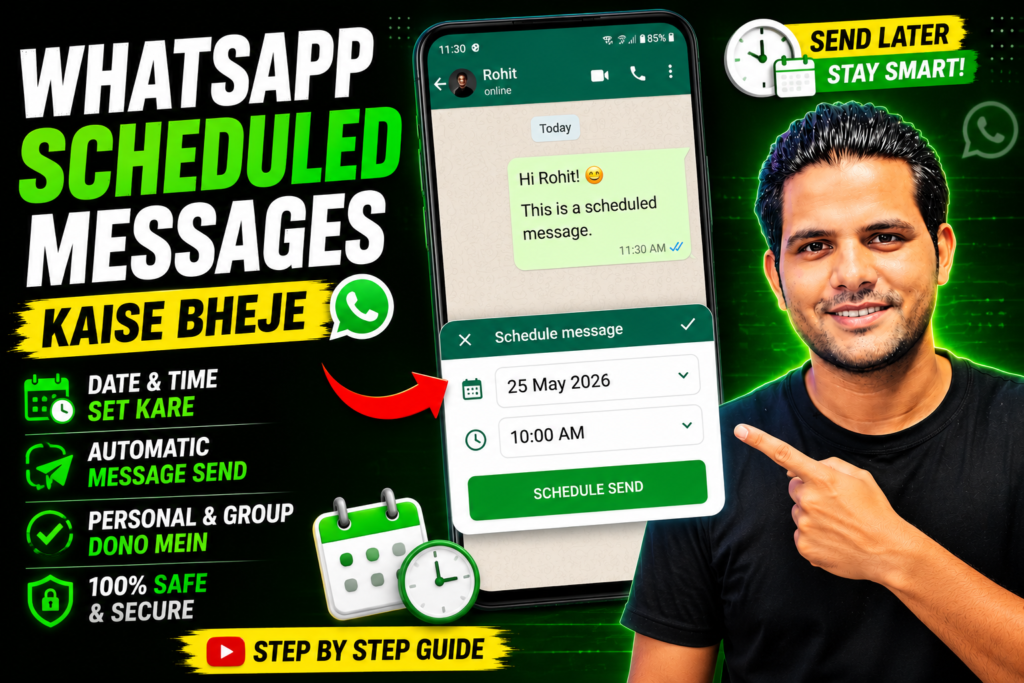
WhatsApp scheduled messages kaise bheje? Agar aap Android phone use karte hain, to WhatsApp mein built-in message scheduling feature available nahi hai. Lekin automation apps, reminders ya WhatsApp Business ke compatible tools ki madad se aap messages ko ek fixed time par bhejne ke liye schedule kar sakte hain.
Kabhi aisa hua hai ki kisi ko birthday wish karna tha, client ko follow-up bhejna tha ya important reminder send karna tha, lekin time par message bhejna bhool gaye? Agar haan, to WhatsApp scheduled messages kaise bheje ye guide aapke liye hai.
Honestly, WhatsApp abhi tak personal accounts ke liye official message scheduling feature provide nahi karta. Lekin iska matlab ye nahi ki ye kaam impossible hai. Android users ke paas kuch safe aur practical options available hain jinki madad se message ko sahi samay par bheja ja sakta hai.
Is guide mein hum beginner-friendly language mein har method ko step by step samjhenge, saath hi unke advantages aur limitations bhi batayenge.
Table of Contents
- WhatsApp mein scheduled message feature hai ya nahi?
- Android par WhatsApp scheduled messages kaise bheje
- Third-party apps ka use karna kitna safe hai?
- WhatsApp Business users ke liye options
- Best practices aur common mistakes
- FAQs
- Conclusion
WhatsApp Mein Scheduled Message Feature Hai Ya Nahi?
Ye sabse common question hai.
Filhal normal WhatsApp Messenger mein official message scheduling feature available nahi hai.
Iska matlab hai ki aap directly app ke andar future date aur time select karke message schedule nahi kar sakte.
Lekin Android ecosystem ki wajah se kuch alternative methods available hain jo kaafi useful hote hain.
Important:
Kabhi bhi aise apps use na karein jo WhatsApp account login ya OTP maange. Ye aapke account ki security ke liye risky ho sakta hai.
WhatsApp Scheduled Messages Kaise Bheje – 5 Easy Methods
Method 1: Automation App Ka Use Kare
Ye Android users ke liye sabse popular option hai.
Steps:
- Trusted automation app install karein.
- Accessibility permission allow karein.
- New scheduled task create karein.
- WhatsApp contact select karein.
- Message type karein.
- Date aur time set karein.
- Schedule save kar dein.
Basically, automation app scheduled time par WhatsApp open karke message send karne mein help karta hai.
Pros
- Easy setup
- Multiple schedules
- Daily reminders
- Business use ke liye useful
Cons
- Accessibility permission deni padti hai.
- Kuch apps phone unlock hone ki condition rakhte hain.
Method 2: Google Calendar Reminder
Agar automatic sending zaroori nahi hai to ye safest method hai.
Steps:
- Reminder create karein.
- Date select karein.
- Time choose karein.
- Reminder receive hone par WhatsApp open karke message bhej dein.
Ye method especially beginners ke liye best hai.
Method 3: Reminder Apps
Kai Android reminder apps recurring reminders support karti hain.
Example uses:
- Birthday wishes
- EMI reminder
- Customer follow-up
- Service reminder
- Office notification
Yeh automatic message send nahi karti, lekin aapko time par notify kar deti hain.
Method 4: WhatsApp Business Tools
Agar aap shop owner ya mobile repair technician hain to WhatsApp Business ka use zaroor karein.
Ye features useful hain:
- Away Message
- Greeting Message
- Quick Replies
Dhyan rahe ki ye future date scheduling nahi hai, lekin business communication ko kaafi professional bana deta hai.
WhatsApp Business Official Documentation
Method 5: Automation Platform
Advanced users automation platforms ka use kar sakte hain.
Ye useful hote hain:
- Customer notifications
- Appointment reminders
- Order updates
- Service alerts
Ye method beginners ke liye thoda technical ho sakta hai.
Kya Third-Party Apps Safe Hain?
Ye question ignore nahi karna chahiye.
Personally, meri advice ye hogi ki sirf trusted aur well-reviewed apps hi install karein.
Install karne se pehle check karein:
- Developer verified hai?
- Reviews genuine hain?
- Recently update hua hai?
- Extra permissions to nahi maang raha?
- OTP ya WhatsApp login to nahi maang raha?
Agar koi app WhatsApp password ya verification code maange, use turant uninstall kar dein.
[Outbound Link Suggestion: Android Security Best Practices]
Vivo Users Ke Liye Tips
Agar aap Vivo smartphone use karte hain to automation apps tabhi properly kaam karengi jab battery optimization disable ho.
Check karein:
- Auto Start enabled ho.
- Background activity allow ho.
- Battery optimization off ho.
- Accessibility permission active ho.
Ye settings automation ko smoothly chalne mein help karti hain.
Mobile Repair Technicians Ke Liye Practical Example
Maan lijiye aapki mobile repairing shop hai.
Customer ne phone repair ke liye diya hai.
Aap schedule kar sakte hain:
- Phone ready notification
- Warranty reminder
- Payment reminder
- Service feedback request
Isse professionalism bhi improve hota hai aur customer experience bhi better hota hai.
Common Mistakes
In mistakes se bachein:
- Unknown apps install karna
- Accessibility permissions bina samjhe allow karna
- Phone battery saver ON rakhna
- Internet OFF hona
- Phone restart hone ke baad automation check na karna
Chhoti si mistake bhi scheduled task ko fail kar sakti hai.
Best Practices
Better results ke liye:
- Trusted apps hi use karein.
- Schedule test message pehle bhejein.
- Internet stable rakhein.
- Phone updated rakhein.
- WhatsApp latest version use karein.
- Sensitive information automatically schedule na karein.
FAQs
1. WhatsApp scheduled messages kaise bheje?
Android par WhatsApp scheduled messages bhejne ke liye automation apps, reminders ya compatible business automation tools ka use kiya ja sakta hai. Normal WhatsApp mein official scheduling feature abhi available nahi hai.
2. Kya WhatsApp mein official message scheduling feature hai?
Nahi. Personal WhatsApp Messenger mein abhi official scheduling option nahi diya gaya hai.
3. Kya third-party scheduling apps safe hain?
Sirf trusted aur verified apps use karein. Kabhi bhi OTP ya WhatsApp login maangne wale apps install na karein.
4. Kya WhatsApp Business mein message schedule hota hai?
WhatsApp Business mein Away Messages, Greeting Messages aur Quick Replies available hain, lekin traditional future-date scheduling sabhi users ke liye available nahi hoti.
Conclusion
Agar aap soch rahe the ki WhatsApp scheduled messages kaise bheje, to ab aapko iska clear answer mil gaya hoga. Personal WhatsApp mein official scheduling feature na hone ke bawajood Android users ke paas automation apps, reminder tools aur WhatsApp Business jaise practical options maujood hain.
Here’s the thing—har method har user ke liye perfect nahi hota. Agar aap beginner hain, to reminders se shuruaat karein. Agar aap business ya mobile repair technician hain, to WhatsApp Business aur trusted automation tools zyada useful sabit ho sakte hain.
Agar ye guide aapke kaam aayi ho, to ise apne doston aur colleagues ke saath share karein. Android, WhatsApp aur mobile tips ke liye hamare blog par regular visit karte rahein.