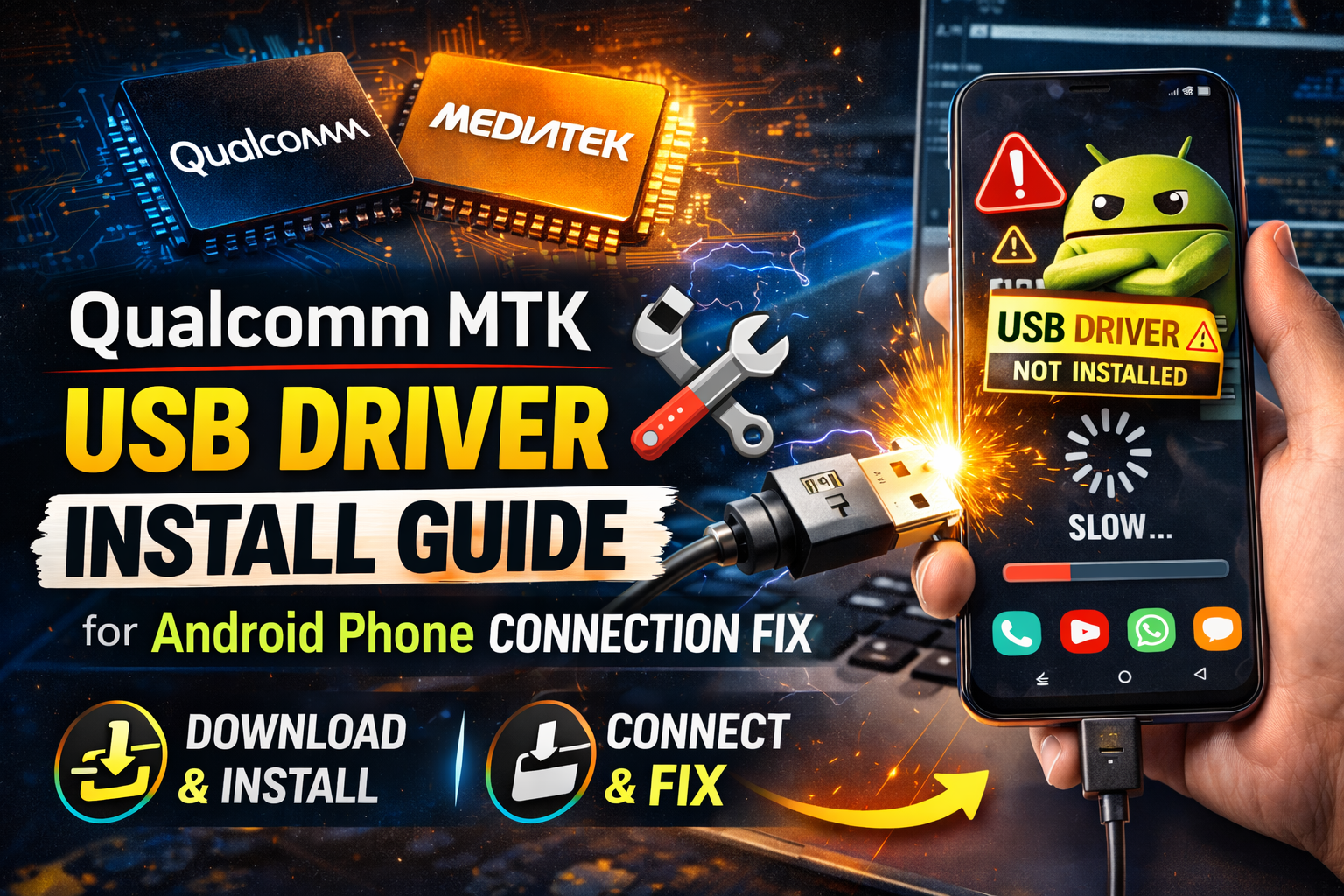

Qualcomm MTK USB Driver Kya Hai? Install Kaise Kare (2026 Guide)

Agar aapka Android phone computer se connect nahi ho raha, ya flashing / tool use karte waqt device detect nahi ho raha, to possible hai ki aapke PC me Qualcomm MTK USB Driver install nahi hai.
Ye drivers PC ko allow karte hain ki wo Android phone ko properly identify kare, especially jab phone Qualcomm ya MediaTek (MTK) processor par based ho.
Is guide me hum simple Hinglish me samjhenge ki driver kya hota hai, kyu zaroori hai, aur safe tarike se install kaise kare.
USB Driver Kya Hota Hai?
USB Driver ek software hota hai jo computer aur mobile device ke beech communication allow karta hai.
Driver ke bina:
- Phone detect nahi hota
- Flash tool kaam nahi karta
- ADB connect nahi hota
- File transfer problem hoti hai
Isliye agar aap Android tools use karte ho to Qualcomm MTK USB Driver important hota hai.
Qualcomm Aur MTK Driver Kis Ke Liye Use Hota Hai?
Different Android phones me different chipsets hote hain.
Common chipsets:
- Qualcomm processor wale phones
- MediaTek (MTK) processor wale phones
In dono types ke phones ko PC se connect karne ke liye proper USB driver zaroori hota hai.
Driver Install Karna Kyu Zaroori Hai?
Agar driver install nahi hai to problems:
- Phone PC me show nahi hota
- Flash tool error deta hai
- USB debugging detect nahi hota
- Tool device nahi pehchanta
Driver install karne ke baad PC phone ko correctly read karta hai.
Qualcomm MTK USB Driver Ke Features
- Android phones ko PC se connect karta hai
- Flashing tools ke saath compatible hota hai
- USB debugging support karta hai
- Multiple brands ke phones support kar sakta hai
Supported brands example:
- Samsung
- Xiaomi
- Vivo
- Oppo
- Realme
- Motorola
👉 Har model ka support different ho sakta hai.
Driver Install Karne Se Pehle Kya Check Kare
Install karne se pehle ye cheezein check karein:
- USB cable working ho
- USB debugging ON ho
- Windows updated ho
- Antivirus block na kare
Ye steps follow karne se driver error kam aate hain.
Common Problems Aur Solutions
Phone Detect Nahi Ho Raha
- Driver reinstall karo
- USB port change karo
- Different cable try karo
Tool Device Nahi Dikhata
- USB debugging ON karo
- Correct driver install karo
- PC restart karo
Windows Driver Error
- Driver signature disable karo
- Latest version install karo
Qualcomm MTK USB Driver Android users ke liye important software hai jo PC aur mobile ke beech proper connection banata hai. Agar aap flashing, repairing, ya advanced settings use karte ho to correct driver install hona zaroori hai.
Safe source se driver install karna aur proper steps follow karna best practice hoti hai.